
Your design deserves a market, and Zid’s is ready
Turn your design and development experience into income, and start selling your themes to thousands of merchants.
Sign up free and start building right away, no waiting for approval.
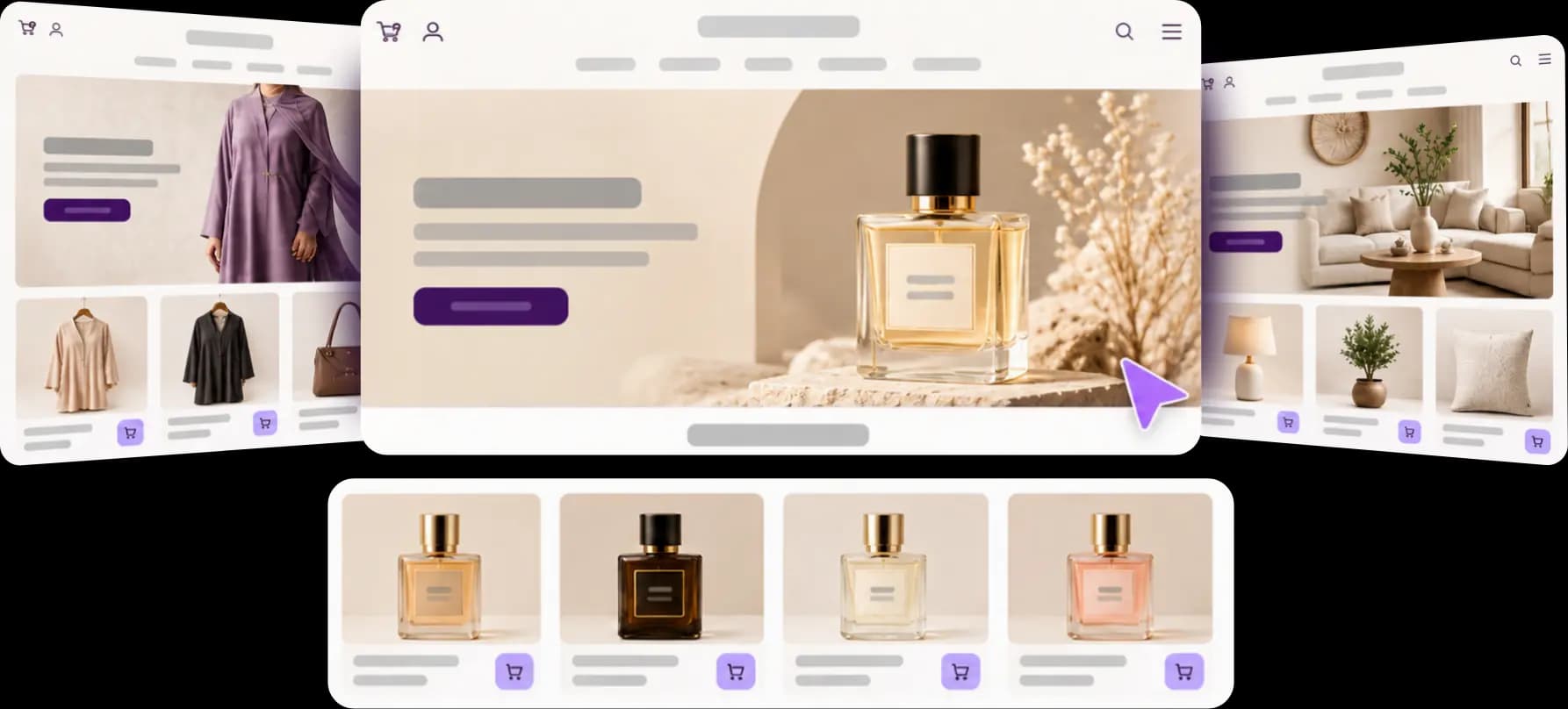
The Theme Market is growing, and developer earnings with it
More demand for themes, and sales and earnings that grow year after year. The numbers speak.
15,000+ active stores on Zid, and every store is a chance for your design!












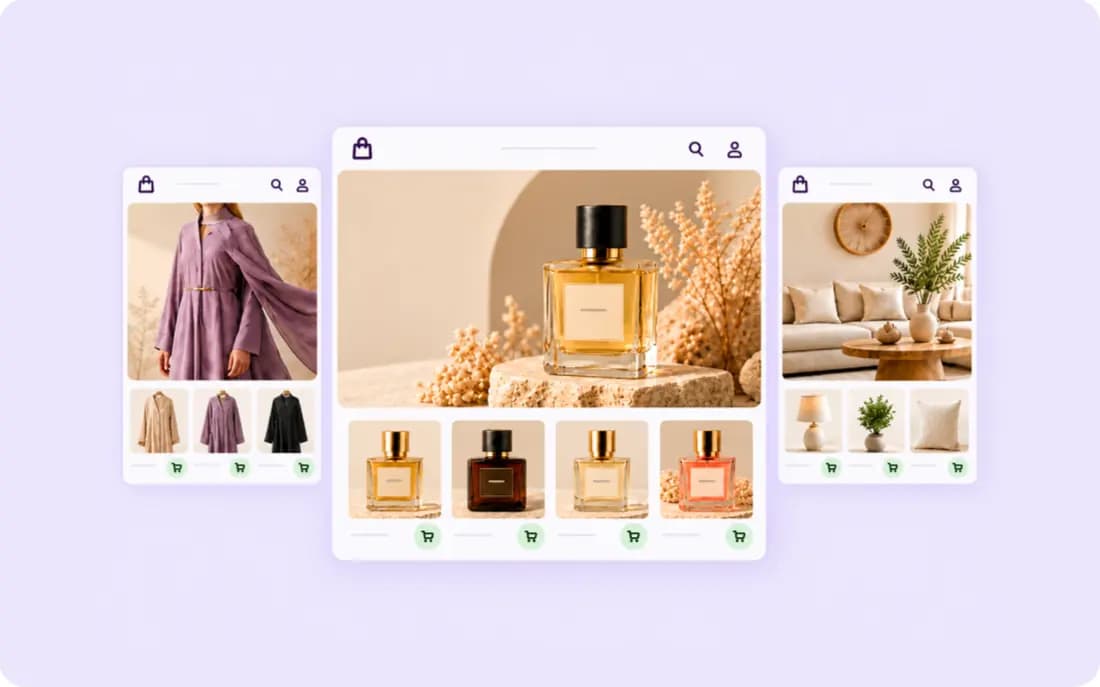
From fashion to fragrance, your opportunity is in every industry
Products and the way they are shown differ from one industry to another, and that is your chance to build themes for many kinds of stores.
A theme you sell to many merchants, or one you design for a single merchant?
Both options are open, and you choose what suits you.
Public themes
Build a theme and list it on the Zid Theme Market, so many merchants can buy it and customize it to their store’s identity. One design, recurring sales.
Start building your theme →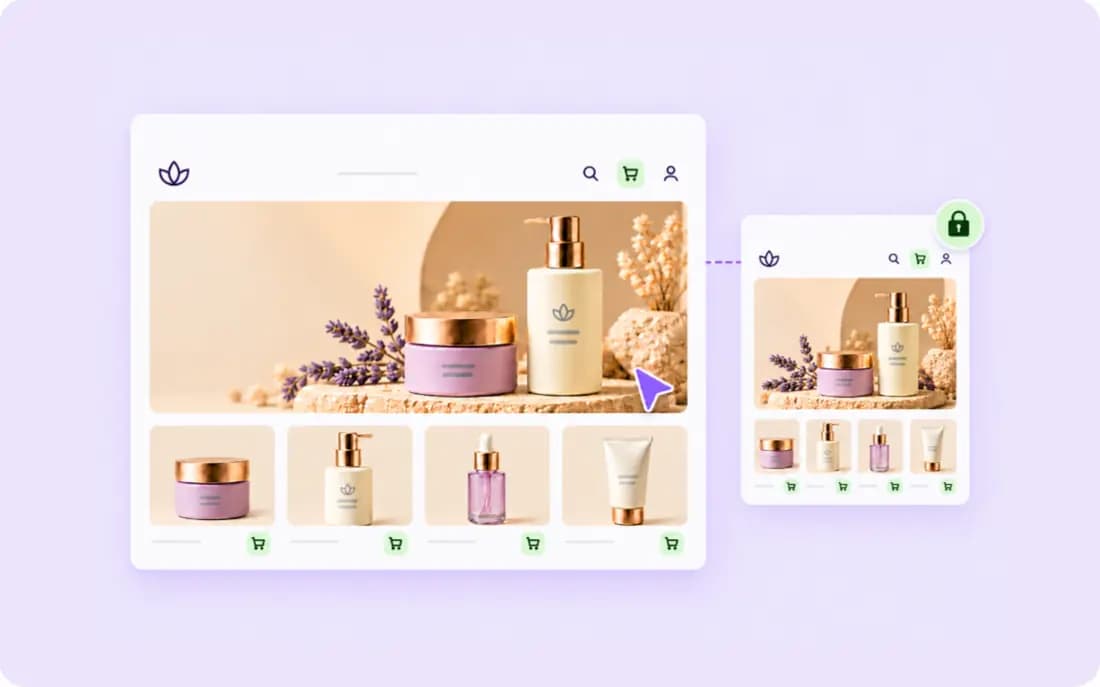
Private themes
Build a design around one merchant’s store identity and needs, without listing it for sale on the market.
How do you build custom themes? →Picked your theme type? Your development tools are ready
From building and connecting your theme to testing and launching it, you have technical tools and business opportunities to help at every step.
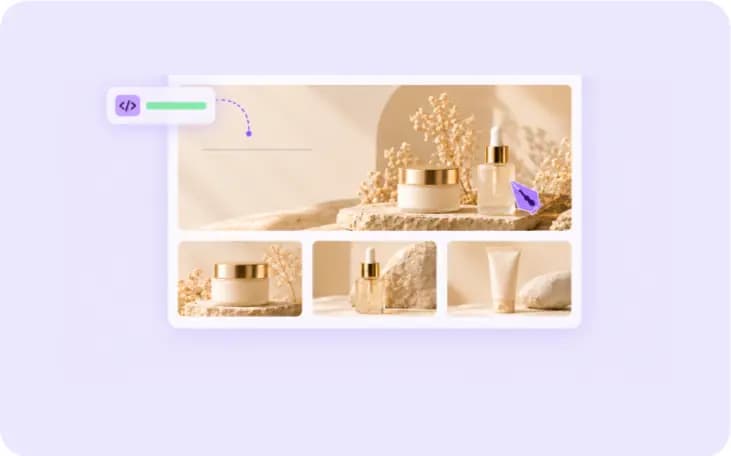
1. Build your theme flexibly, not from scratch!
With a flexible theme grid, you build your design from reusable sections and make one theme that fits more than one industry.
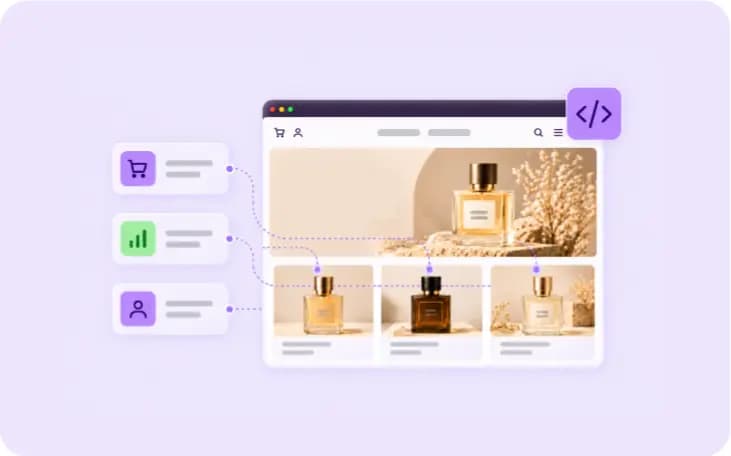
2. Need to connect services? You have APIs
APIs give you access to product, order and option data, so you can build a complete experience inside the theme.
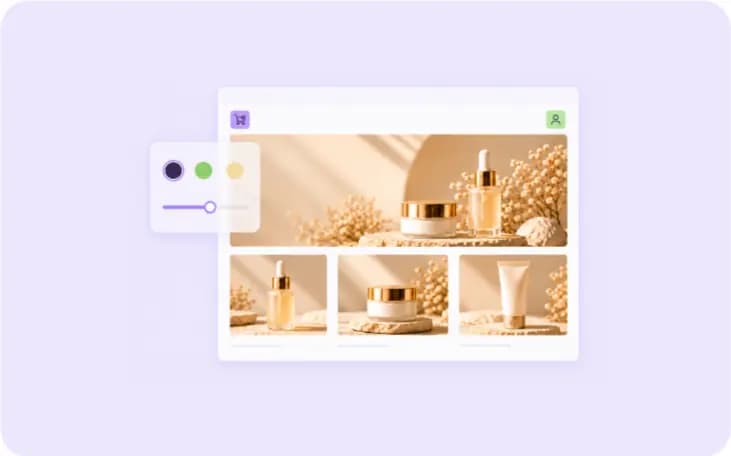
3. Give merchants the freedom to customize your theme
Provide presets and options for colours, fonts and sections, so merchants can adjust the design without writing code.
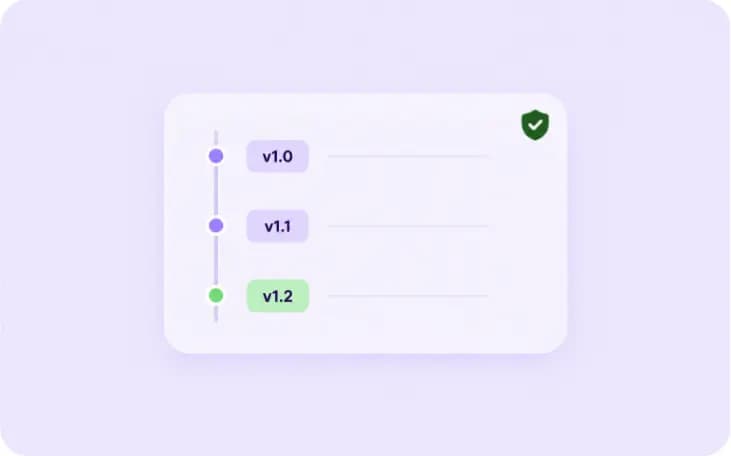
4. Your updates and versions under control
Ship updates easily and track your theme’s versions, with a clear changelog that helps you manage different releases.
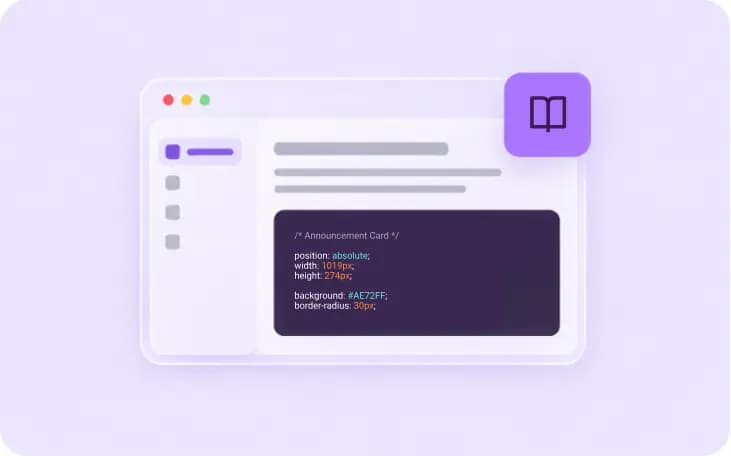
5. Every technical detail is documented for you
A complete technical guide, with examples and explanations, to help you build, customize and troubleshoot.
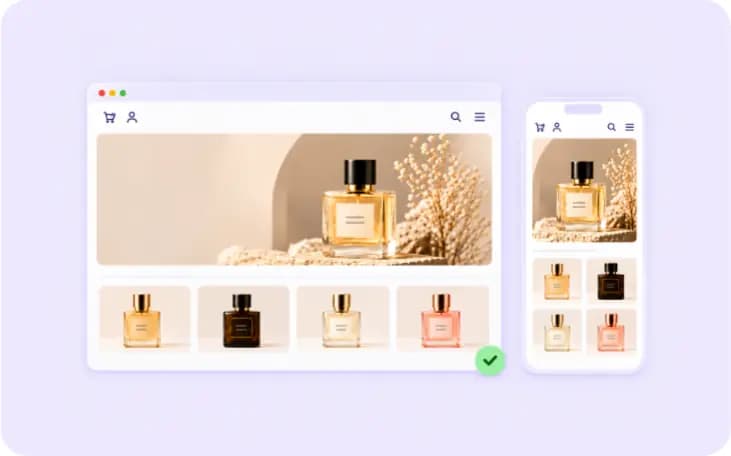
6. Test your theme before you list it
Try the design on mobile and desktop, and make sure it is ready before you submit it for review.
7. Theme ready? The market is ready to sell!
List your theme on the Theme Market inside the merchant dashboard, and get your design in front of merchants directly.
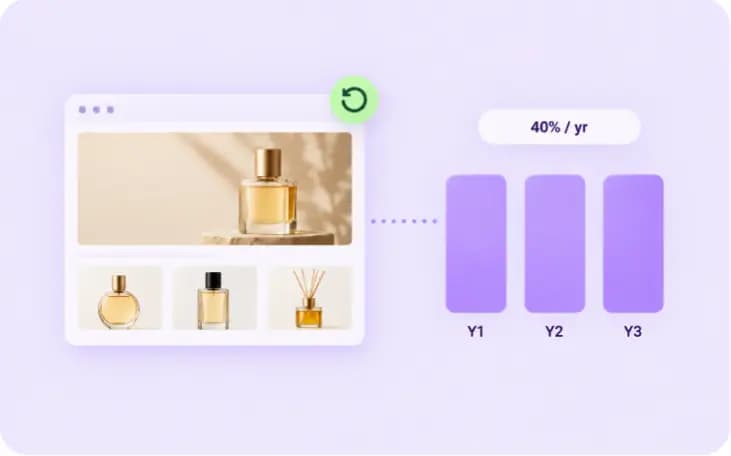
8. Every sale and renewal adds to your earnings!
Sell your theme once or many times, and earn from extended warranty renewals under the approved revenue model.
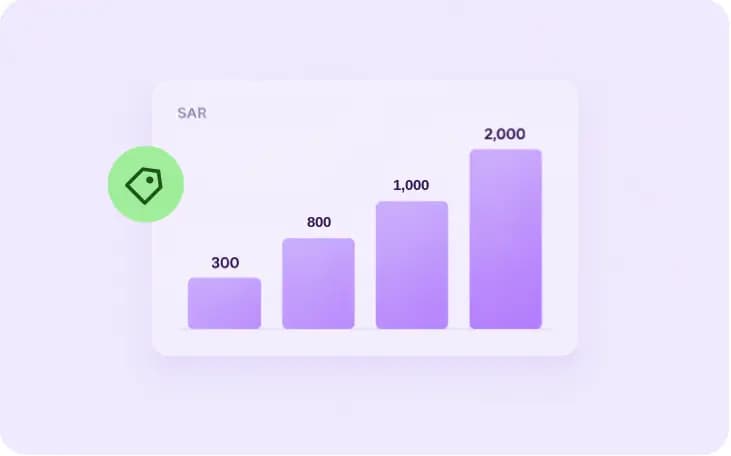
9. Price your theme to fit your plan
Choose from the available price bands up to SAR 2,000, with options for extended warranty renewals.

10. Need help? Support and documentation are with you
Get technical support and documentation, plus an AI assistant that helps you catch review notes before approval.
More than development tools: Zid helps you reach merchants
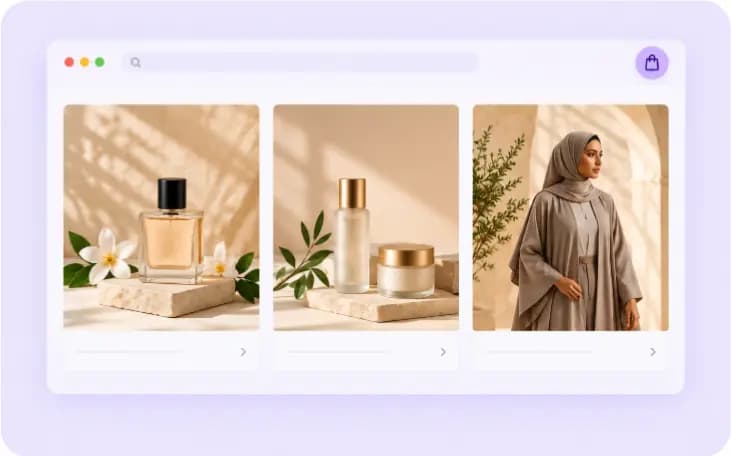
Once your theme is built, you have ways to show it and its features to merchants, so they discover the right design for their stores.

Show your theme in full detail
Give it a listing page on the market with images, features and key details, so merchants know what your design offers.
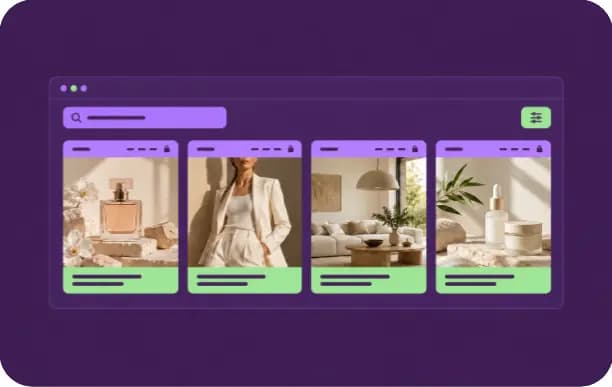
Make your theme easy to find
Use the market’s categories and search options, so merchants can reach the design that fits their needs.
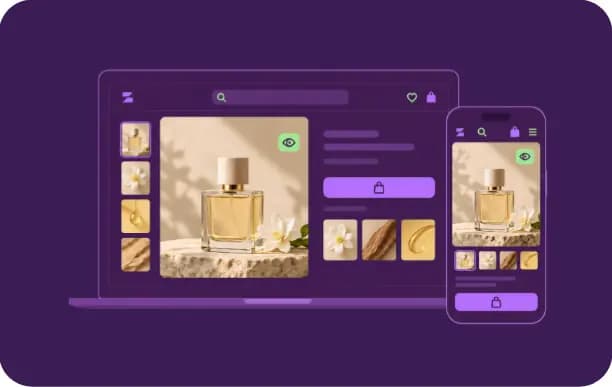
Let them see the design before they buy
Merchants explore the theme’s look and browsing experience through the preview before they decide to buy.
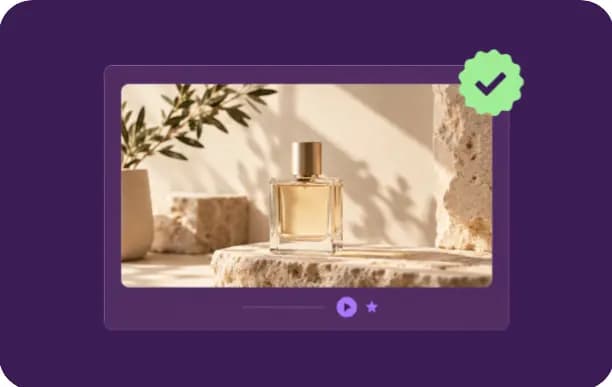
Stand out with design quality
Benefit from the spots that highlight themes meeting the market’s quality and excellence standards.

Use the marketing opportunities
Take part in the campaigns and marketing spaces open to qualifying themes, and raise the chances your design gets discovered.
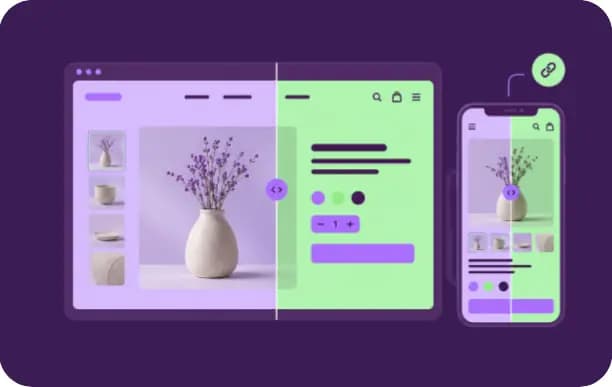
Promote your theme on your own channels
Share your theme’s Zid Theme Market link on your channels, and send merchants straight to it.
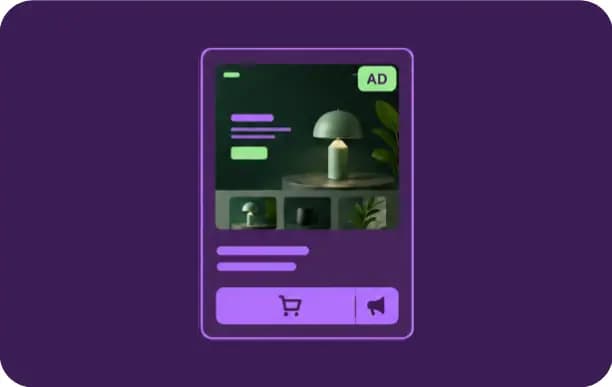
Partner Ads — rank your theme in the market Soon
Ranking in the Theme Market works through Partner Ads: buy your placement and a fixed-duration appearance across Zid’s merchant-facing channels, in published packages. Every paid placement is labelled “Sponsored”. Available to partners in the green tier.
From sales to renewals: calculate your theme’s earnings 💸
Set the theme price, sales and expected renewals, and see how much your design could earn.
Everything you need, without hunting for it
From technical documentation to support and the latest updates, you have resources to help throughout your development journey.
Go to the technical documentation
Read the theme development guides, the technical requirements and how to use the tools.
Find answers in the partner help center
Use the guides and answers to common questions while you build.
Follow the latest updates
Read the changelog and keep up with new features and technical changes as they ship.
Need help? Contact support
Use the support channels open to development partners if you hit a problem or need clarification.
Ready to start? Just 4 steps
Sign up on the Zid partner portal and build from the same dashboard; review only comes before publishing.
Create your account
Sign up on the Zid partner portal, with no waiting and no approval.
Create your theme
Add it in the partner portal and get the development tools.
Start connecting or building
Document your files, review the API/SDK, and submit the theme for the technical check.
Launch your theme
Complete the review, and once approved your work is visible to merchants.
You have the idea and the expertise, and the Zid market is ready for your design.
Sign up free and start building your theme today.
Got a question? We’ve got answers
Didn't find your answer? The partner help center has the full detail.
How do I join as a Theme Partner?
Create your account in the partner portal, create your theme and start from Zid's structure, build and test on a development store, then submit it for review. Once approved it appears in the Theme Market.
Do I need to build a theme from scratch?
No. You adapt your existing designs to Zid's structure and standards, and the docs explain the architecture and requirements step by step.
What's the difference between a public theme and a custom theme?
A public theme is published on the Theme Market for every merchant after Zid review, and merchants buy and install it themselves. A custom theme is built for one specific merchant: it is not listed on the market and has no Zid review, and the merchant uploads it to their store directly. Partners take on custom themes under specific conditions.
What are the theme approval requirements?
Published standards: stability and code quality, performance (browsing speed), compatibility with the Zid platform and merchants' devices, and support level. Review is a technical and functional check, and you get specific notes if something needs changing.
How long does theme review take?
You track your submission's status and the reviewer notes in the partner dashboard at every stage. If the theme needs changes, it comes back with specific notes rather than a blanket rejection.
Does Zid take a share of sales?
Yes, applied to every sale, with the details in the Theme Market commercial policy and the partner agreement. Joining itself is free.
How do I get paid?
All sales happen inside Zid only, and you track your sales and next payout from the partner dashboard. Earnings are transferred on the approved payout cycle once your invoice is approved.
What is the excellence ratio and how does it affect me?
It's calculated from theme stability, code quality, issue resolution speed, support level, compatibility, merchant ratings and complaint rate. It has four levels (green, yellow, red, removal) that determine your visibility in the market, your pricing band, and your access to Zid campaigns. The thresholds and details are in the Theme Market commercial policy.
Can I sell the same theme on other platforms?
Yes, provided the theme's price on Zid doesn't exceed the lowest price published for it under the same name anywhere else.
Can I update my theme after launch?
Yes. From version management in the partner dashboard you ship updates with a clear change log, while existing merchants stay on a stable version.
How does performance affect theme approval and visibility?
Performance is the gate: your excellence ratio sets your level, your pricing band and your access to Zid campaigns, and it shows on your card for merchants to filter by. Theme Market ranking itself runs through Partner Ads, and every paid placement is labelled "Sponsored".